

A complete skin consultation with an iPhone
Built around how you follow moles
Everything happens in the Revela app, from the first photo to the final report.
- 01 · Map
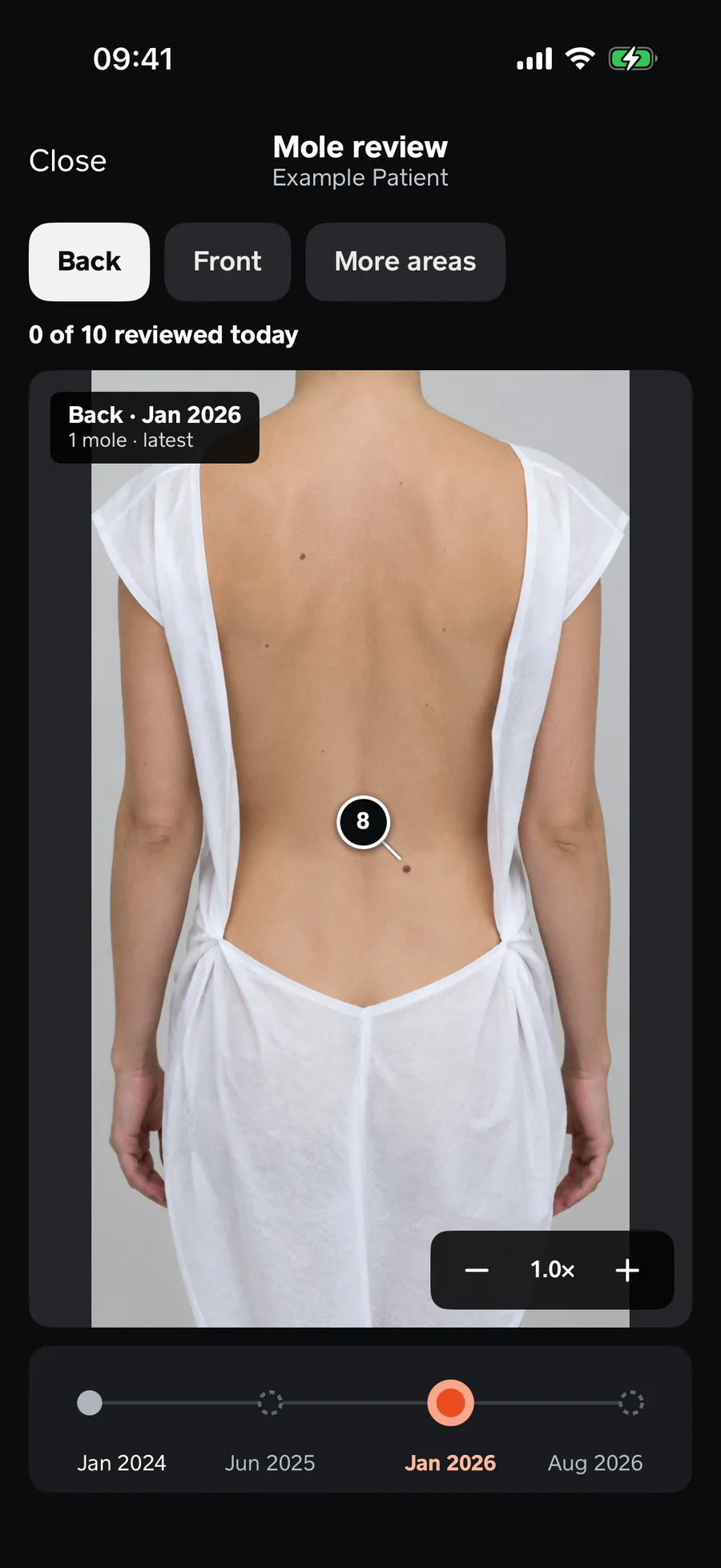
Guided full-body mapping
Capture the whole body in 11 guided positions, the same way every time. Mark moles on the photos and Revela suggests the body zone.
- 02 · Examine
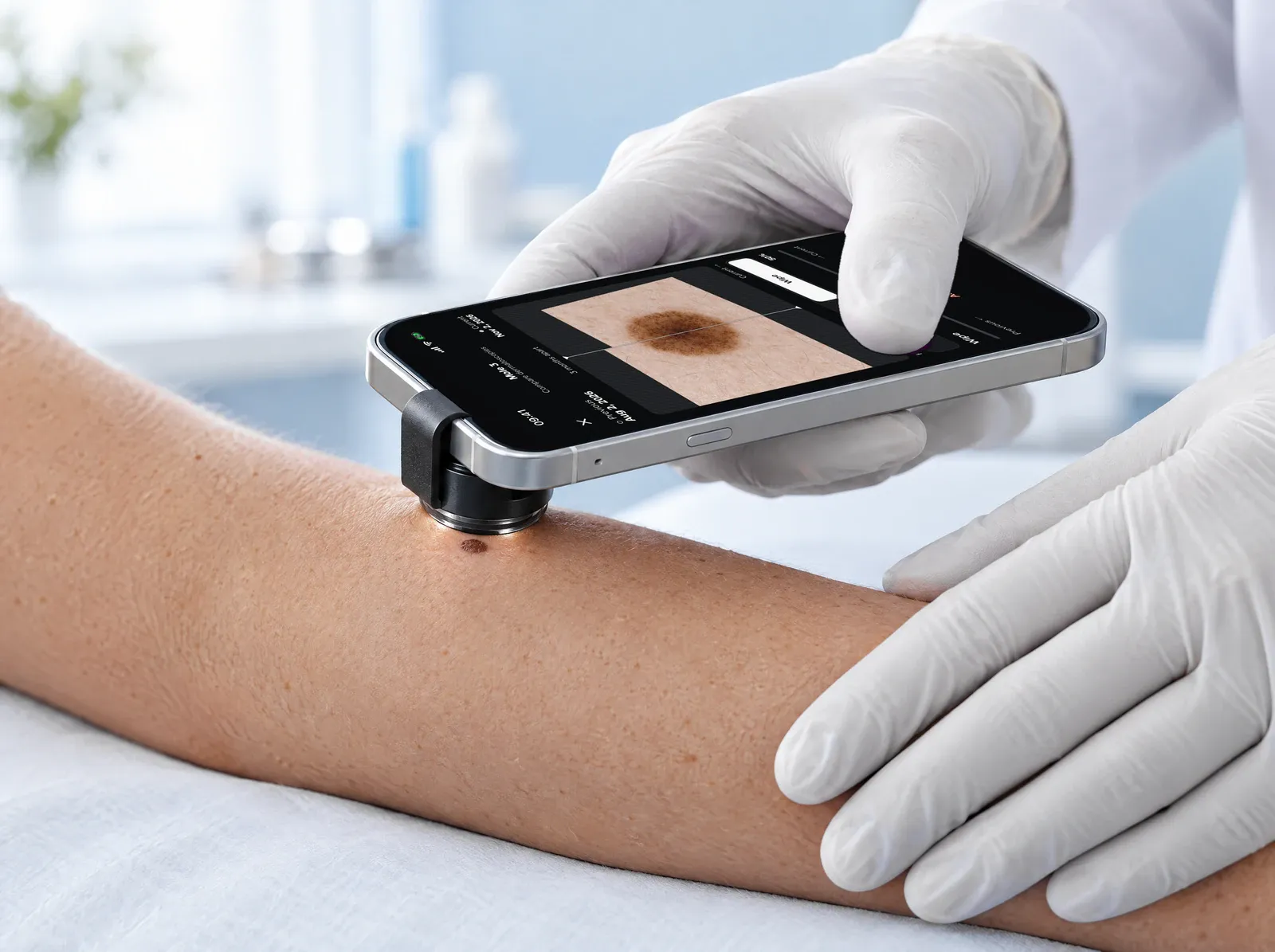
A permanent number for every mole
Take dermoscopy images of any mole with the clip-on lens. Each mole keeps its number across all of a patient's visits, so you always know which one you are looking at.
- 03 · Follow up
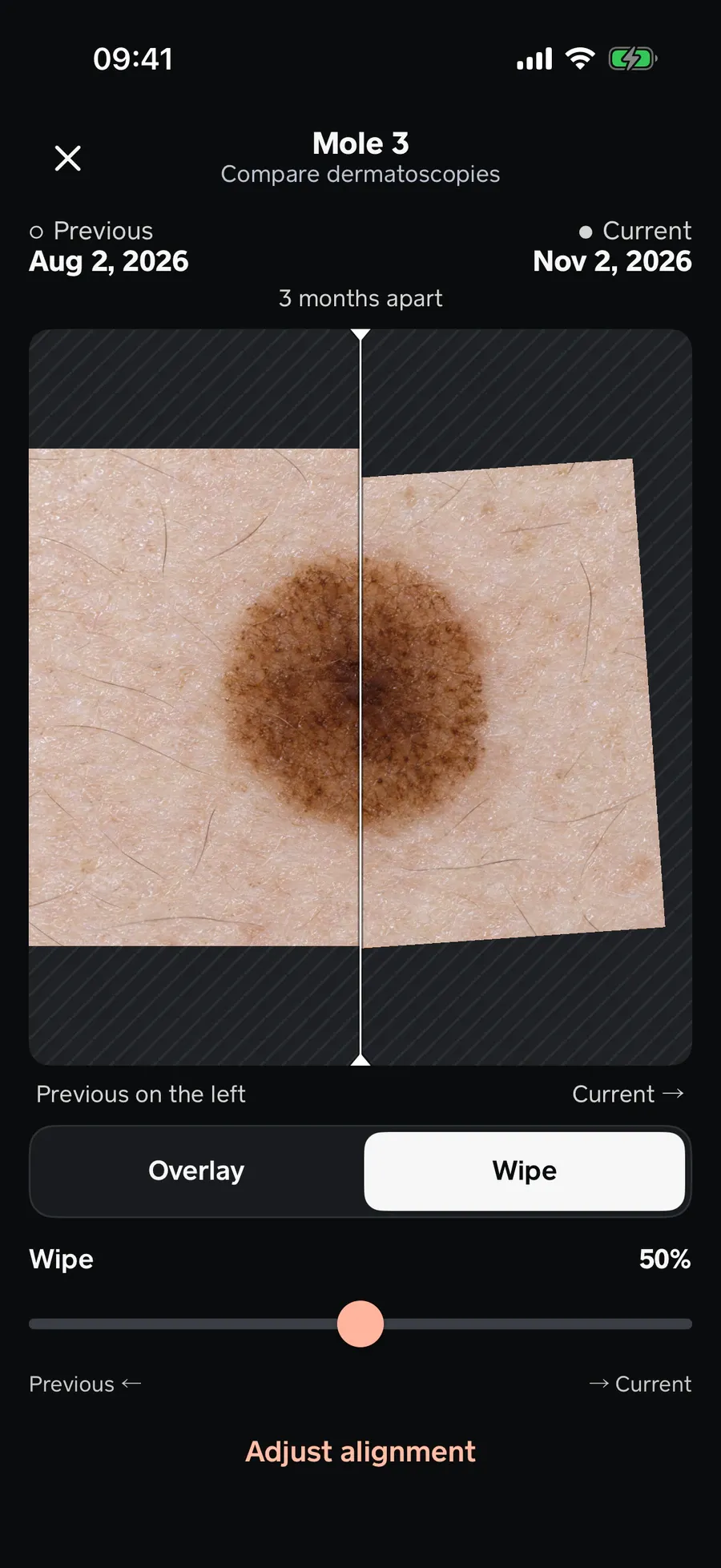
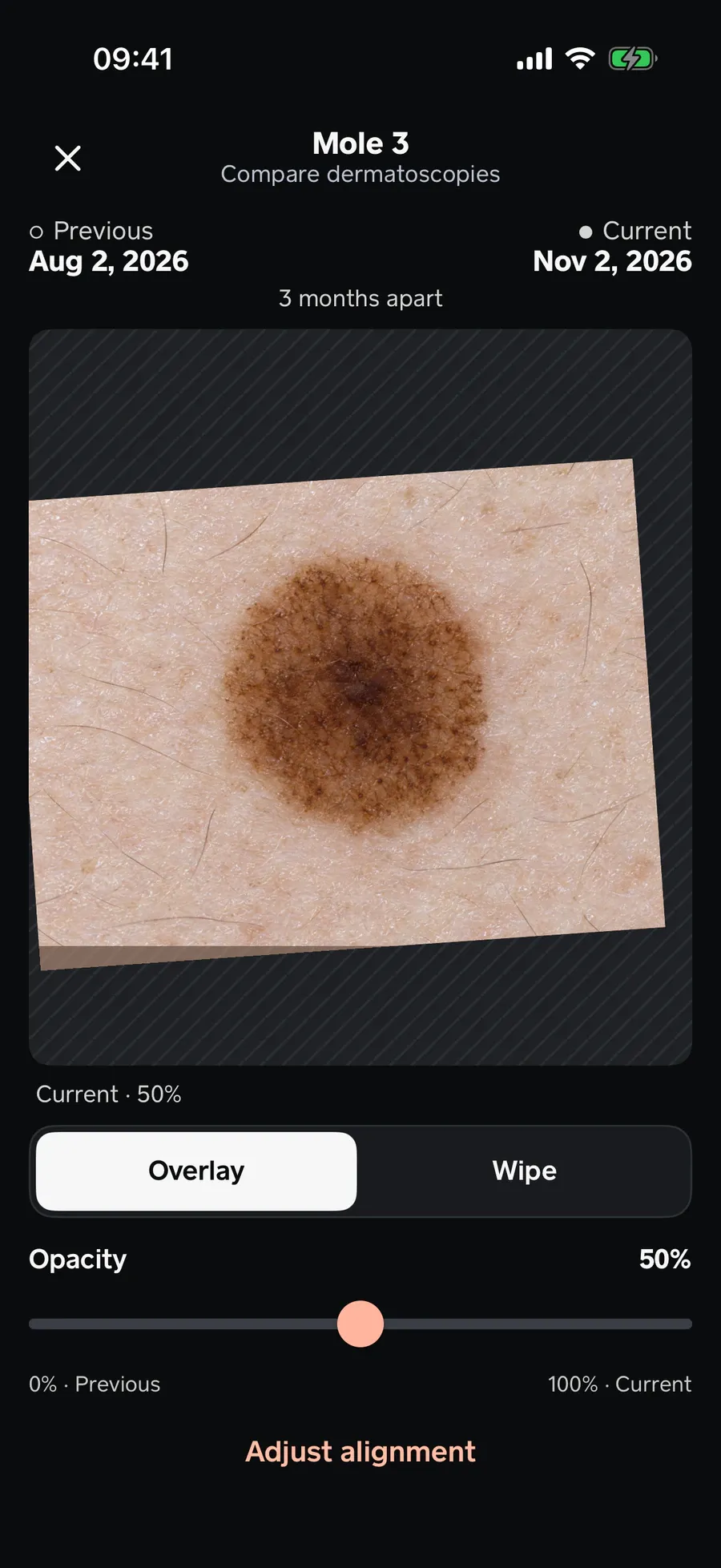
Compare changes side by side
Revela aligns dermoscopy images from two visits automatically. Review them with an overlay or a curtain slider.
- 04 · Report
A report you review and sign
Revela prepares a PDF report of the consultation. You sign it as the physician and share it.
09:41CloseReportNov 2, 2026Digital dermatoscopy
Lesion No. 3
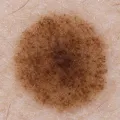
Aug 2, 2026 Nov 2, 2026 Recommendations
(Dermatologist)‹Page 1 of 2›


Digital dermatoscopy
Lesion No. 3
Recommendations
Good to know: dermoscopy needs a clip-on dermatoscopic lens that attaches to the iPhone. Revela does not supply the lens: you buy it separately. Everything else runs in the app.

